Scan to pay guide
Learn how to pay and earn points in stores.


Open Scan to Pay in app
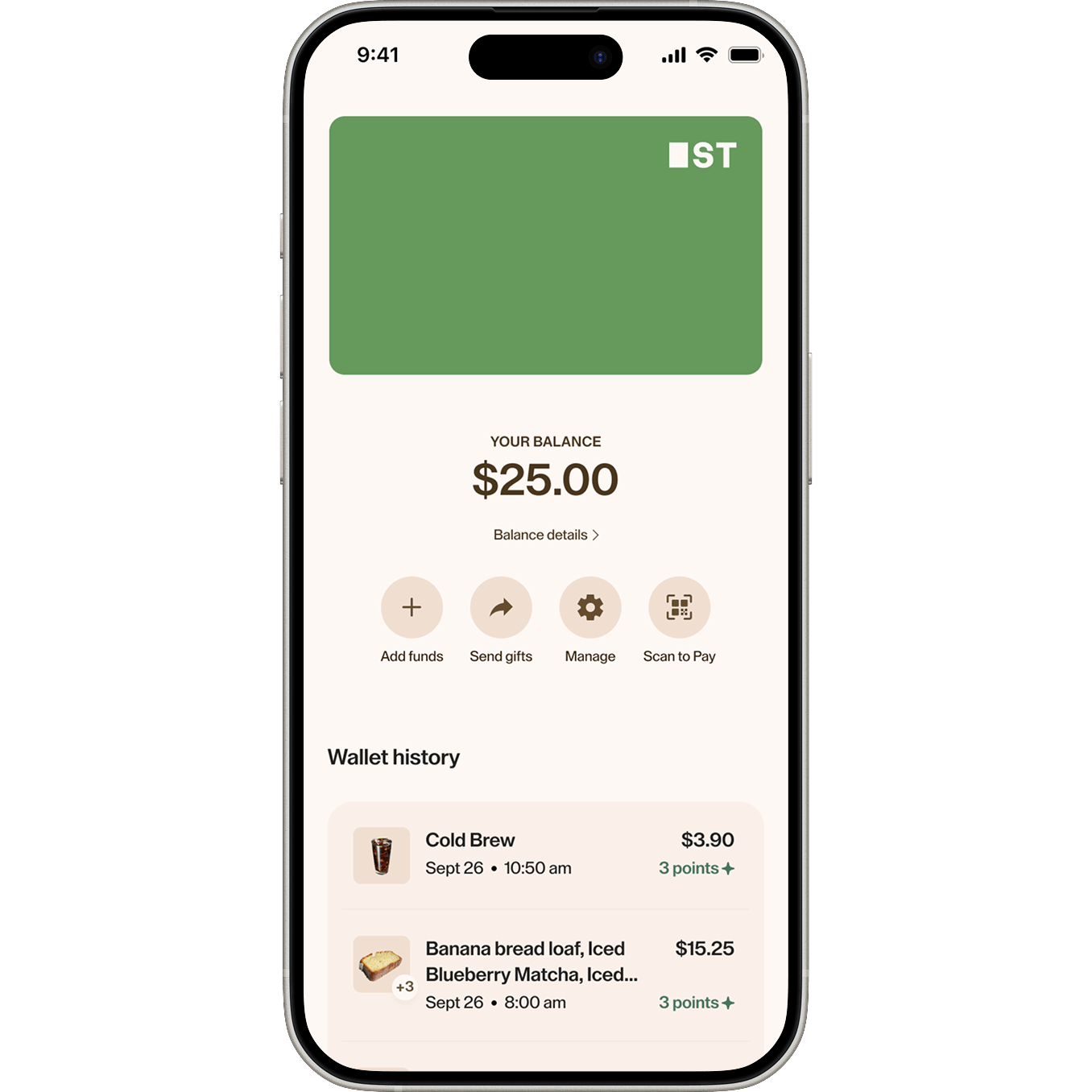
To access your QR code, open Scan to Pay on the Home or Wallet tabs.
Scan your QR code
Scan your QR code to pay and earn points.
Note: If your Wallet balance is running low, your card on file may be charged to complete the order.
Note: If your Wallet balance is running low, your card on file may be charged to complete the order.
Confirm payment
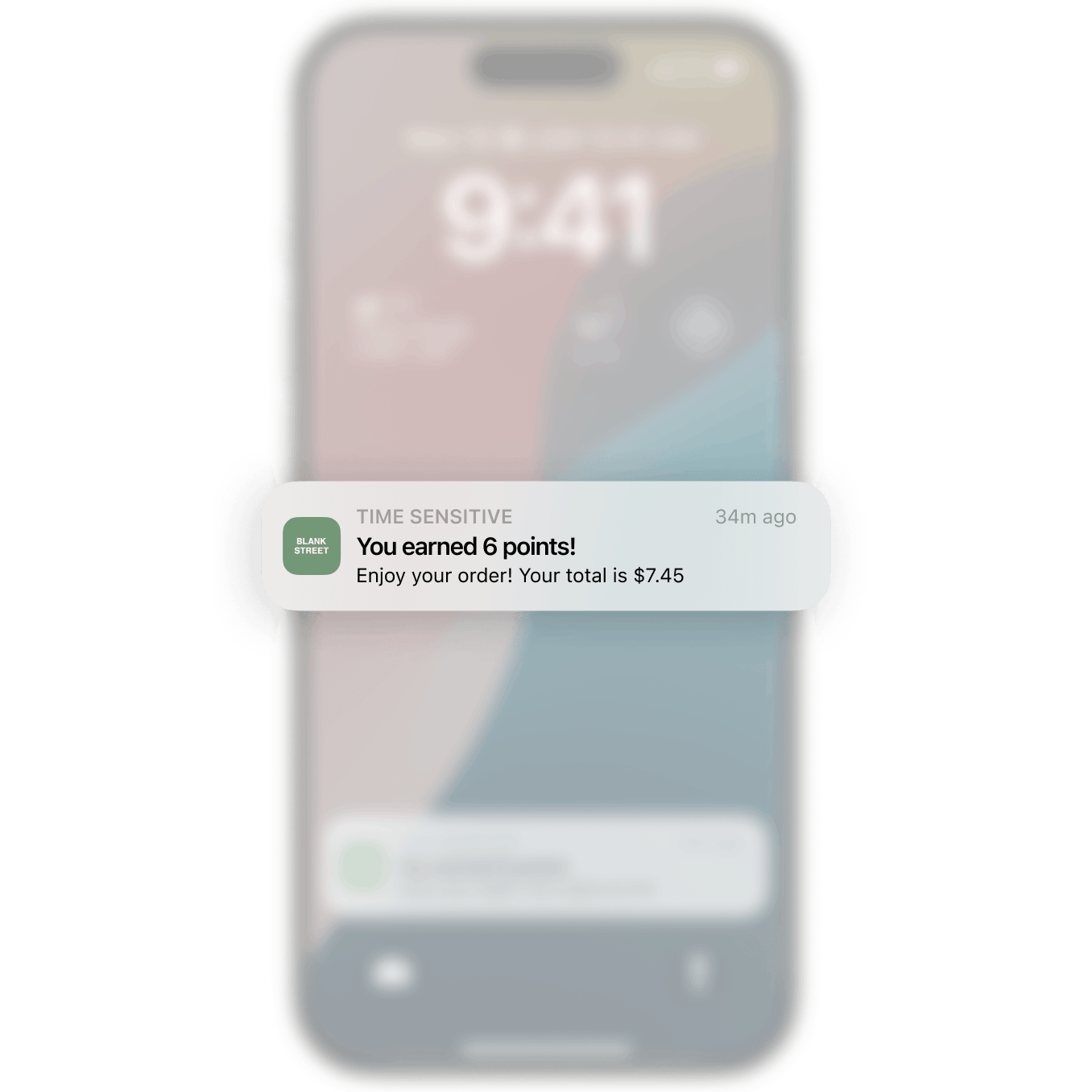
You'll receive a notification confirming your payment and points earned.
Earn points for topping up
Add funds to your Wallet and earn a point for every $1 added.

Open Scan to Pay in app
To access your QR code, open Scan to Pay on the Home or Wallet tabs.

Scan your QR code
Scan your QR code to pay and earn points.
Note: If your Wallet balance is running low, your card on file may be charged to complete the order.
Note: If your Wallet balance is running low, your card on file may be charged to complete the order.
Confirm payment
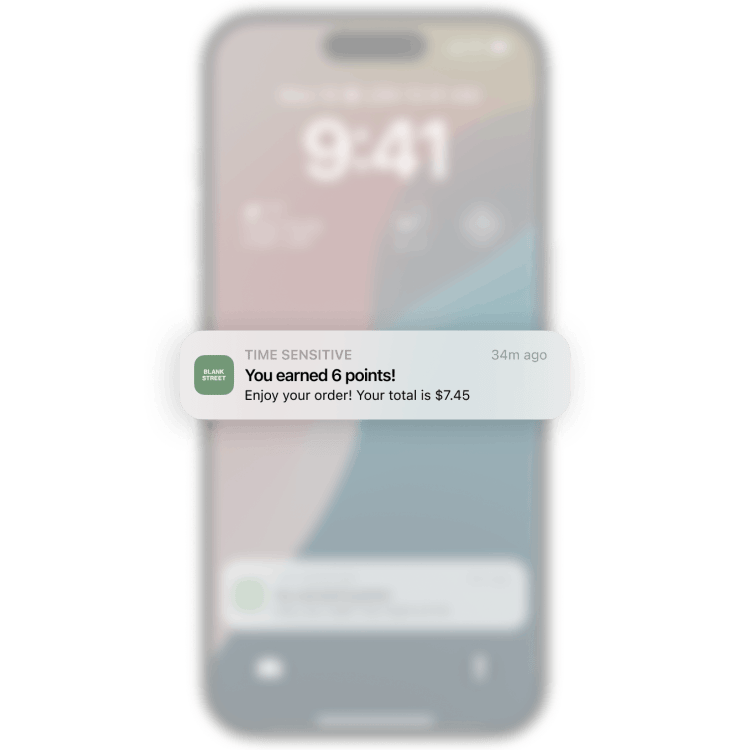
You'll receive a notification confirming your payment and points earned.

Earn points for topping up
Add funds to your Wallet and earn a point for every $1 added.
Start earning today
Order through the app to earn points or load your wallet with funds to earn points.